


eBrickX Logo
Premium Release

eBrickX

Looking for interest accountancy and brick kiln management software? Here is your solution. eBrickX simplifies complex interest books, ledger entries, and daily kiln logs.

Get it onAndroid Google Play
Fully secure and verified.View App Privacy Policy
eBrickX Application Mockup

Walkthrough Video Demo

eBrickX Operations & Onboarding Guide

Complete Interactive Handbook

Read our step-by-step user manual and learn how to manage clay molding, loader advances, sync reports, and compute salaries.

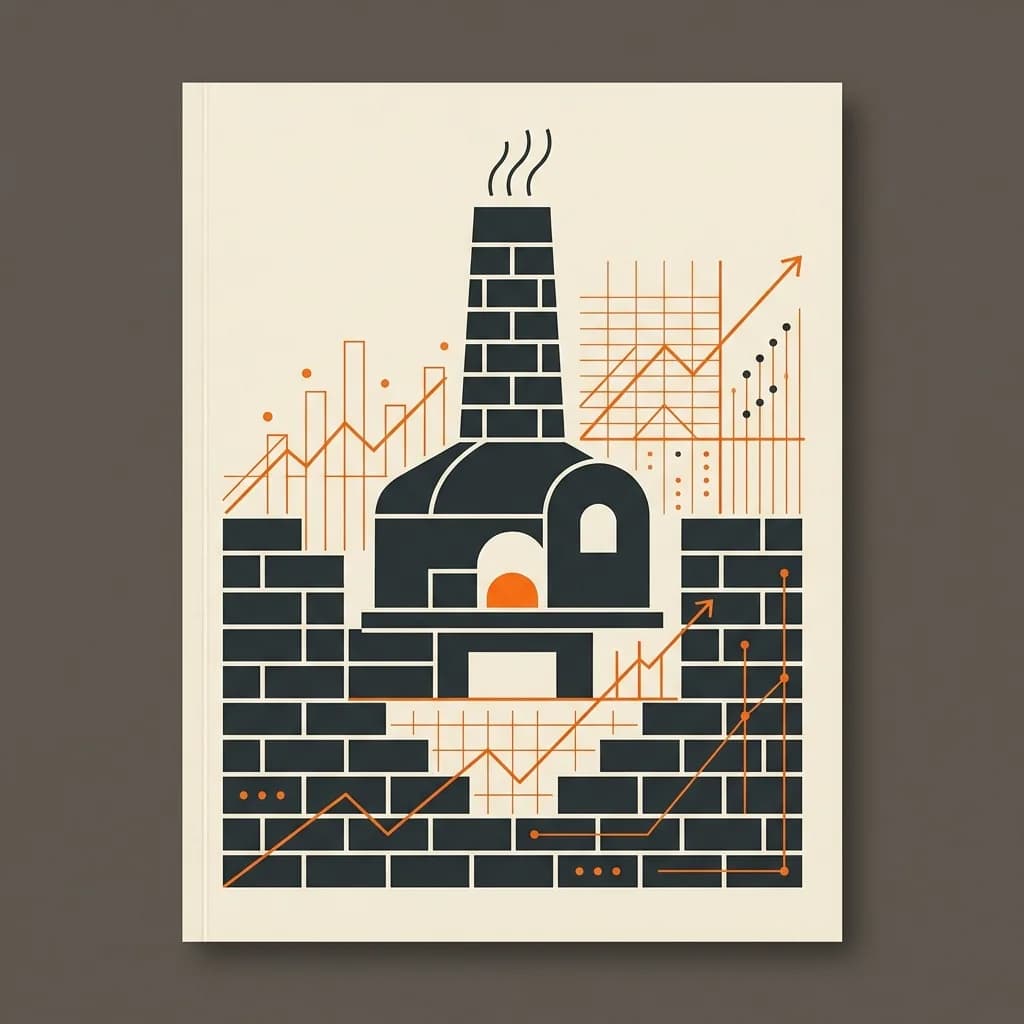
eBrickX Kiln Illustration
VOL. 1 • ISSUE 1

eBrickX

The Digital Revolution for Indian Brick Kilns (ईंट भट्ठा)

EDITORIAL

Welcome to the New Era of Bhatta Management

By Perky Solutions Editorial Team

For decades, brick kiln owners have faced the immense hassle of managing accounts in heavy paper registers. Tracking clay molding (Pathai), chamber loading (Bharai), coal burning (Jalai), and brick unloading (Nikasi) is notoriously complex. With labor teams moving in and out, cash advances (Peshgi), and rates fluctuating daily, keeping accurate records is a nightmare.

eBrickX is built to solve exactly this. It's a powerful combination of a robust offline Windows Desktop software for accounting and a real-time Android companion app for mobile access.

This digital magazine is designed as your interactive handbook. Turn these pages to learn step-by-step how to download, install, activate, and master eBrickX to automate your entire kiln business.

One Solution, Two Powerful Interfaces

eBrickX divides the work naturally so you don't need continuous internet at the kiln site, while still giving you the power of mobility.

💻

Windows Desktop Client

  • Works completely offline at the remote kiln site.
  • Handles large volume entries, daily logs, and prints bills.
  • Advanced reporting (P&L, stock sheets, ledger books).
📱

Android Mobile Companion

  • Instantly syncs with the desktop database via cloud.
  • Enables the owner to view books, cash flow, and stock from anywhere in the world.
  • Share client reports and worker receipts via WhatsApp.
“Offline entry keeps your remote office running smoothly. Cloud sync ensures the owner never loses touch.”

Why kiln owners trust eBrickX

1
Labour Advances (Peshgi) Tracking

Worker advances are notorious for disputes. eBrickX tracks every rupee advanced and adjusts it automatically during salary computation.

2
Dynamic Labour Rates

Define custom rates for Pathai, Nikasi, and Bharai. Pay workers precisely per thousand bricks molded or loaded.

3
Multi-Quality Brick Stock

Classify stock into A-one, Doem (2nd grade), Soem (3rd grade), Chatka, and Rodi. Know exactly what inventory is in your kiln chambers.

Setting Up the Windows Desktop App

Get the main desktop accounting engine up and running on your Windows computer in 3 quick steps:

Step 1
Download the Installer

Click the download link below to save the `eBrickX.exe` setup file onto your PC.

⬇️ Download eBrickX.exe
Step 2
Install on Windows

Double-click the downloaded setup file, click 'Next', and let it complete. If prompted by Windows Defender, click "More Info" → "Run Anyway".

Step 3
Launch and Register

Open the app from your desktop shortcut. You will be greeted with the registration screen, waiting for your license activation.

Activating Your Demo License

eBrickX comes with a fully featured demo license key. You can copy the key below and paste it into the application's activation field.

Official Demo License Key
⚠️ Quick Activation Notes:
  • Ensure your Windows PC has an active internet connection *only* during the license activation phase.
  • After pasting, click the Activate Online button in the app.
  • Once activated, you can disconnect the internet. The app runs 100% offline.

Downloading the Android Companion App

Keep your entire kiln operations in your pocket. The eBrickX Mobile App lets you monitor sales and worker ledgers remotely.

📱
eBrickX on Google Play

Scan the code or click below to download the official mobile app directly on your Android phone.

🤖 Download Android App
Key features on Mobile:
  • Live Dashboard: Total daily sales, fuel costs, and available bricks count.
  • Party Ledgers: Check balances of customers and dealers on the go.
  • WhatsApp Receipts: Generate elegant receipt PDFs and share directly with customers.

How Data Sync Works

eBrickX keeps your desktop software as the "Master Database" and syncs details to the cloud so you can view it on mobile.

💻1. Entry on PC
Operator records sales/labor data locally at the office.
⬇️
☁️2. One-Click Upload
Click "Upload data to Mobile" in the PC software utility menu.
⬇️
📱3. Read on Mobile
Open the Android app to view updated reports instantly.
💡 Pro Tip:You don't need internet at the kiln office all day. Connect to a mobile hotspot for just 2 minutes at the end of the day, click 'Sync', and you're good to go!

Understanding Bhatta Workflows

eBrickX matches the natural process of brick production. Here is how your daily workflows map into the system:

1. Pathai (Molding / पाथाई)

Workers (Pathera) mold raw mud bricks. You pay them based on the total thousands of raw bricks molded. eBrickX tracks advance payments (Peshgi) and computes final wages.

2. Bharai (Loading / भराई)

Laborers load the dry raw bricks into the kiln chambers (Ghori). Bharai teams are paid based on chamber loading counts.

3. Jalai (Burning / जलाई)

Coal, wood, or husk is added to burn the bricks. eBrickX records fuel purchases, consumption rates, and burning technician wages.

4. Nikasi (Unloading / निकासी)

Baked bricks are extracted. Nikasi laborers sort them into classes (Class 1, Class 2, etc.) and move them to stock. They are paid per thousand bricks extracted.

Interactive Wage & Peshgi Calculator

Experience how eBrickX simplifies salary calculation by adjusting advance payments automatically.

Gross Wages Earned:₹0
Advance Deduction:- ₹8,000
Net Payable Balance:₹0

Frequently Asked Questions

Yes. You can install the desktop software on multiple PCs. However, to synchronize data between them, you will require the multi-user package. Contact Perky Solutions for details.

eBrickX comes with a one-click automatic local backup feature. We recommend storing daily database backups on an external drive or a USB key. If you sync with the mobile app, a copy of the reports is securely cached in the cloud.

The demo key allows you to test all functions with a limit on total records. To unlock unlimited accounts, invoice prints, and full cloud syncing, please purchase a regular license.

Need Help? Let's Connect

Have questions about setting up eBrickX or need a guided demo? Send us a quick WhatsApp inquiry directly.

Direct WhatsApp Inquiry

Or reach us directly at:

📞 Phone/WhatsApp: +91 97855 14484

📧 Email: assist@perkysolutions.com

Cover Page